Features
General
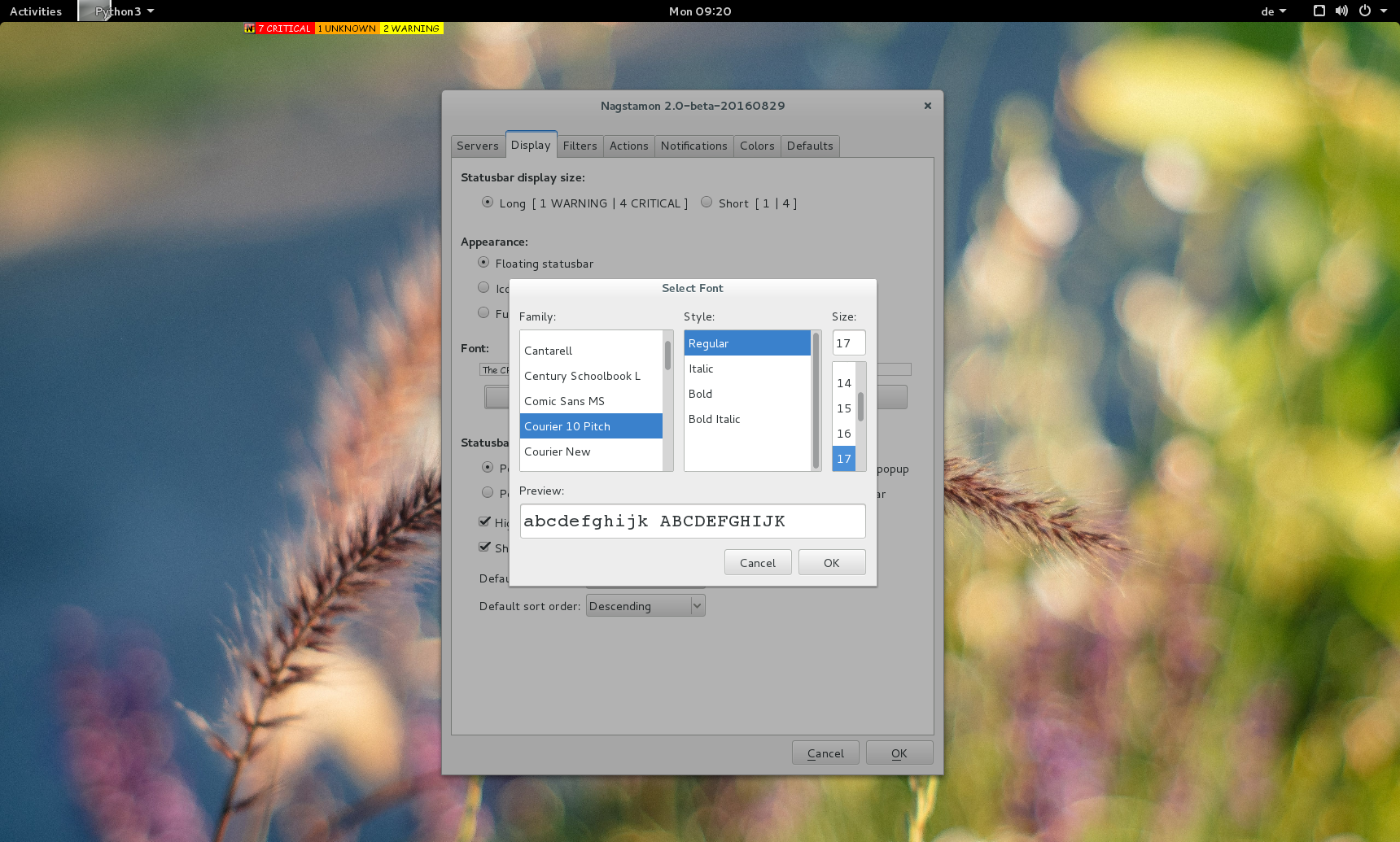
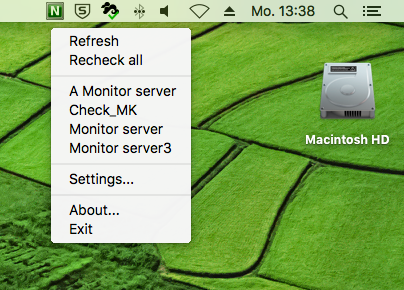
Nagstamon is permanently visible on your desktop to give you an overview about your systems status in several different appearances:
a freely floating desktop statusbar, easy to place anywhere by drag and drop:

stay in the systray:
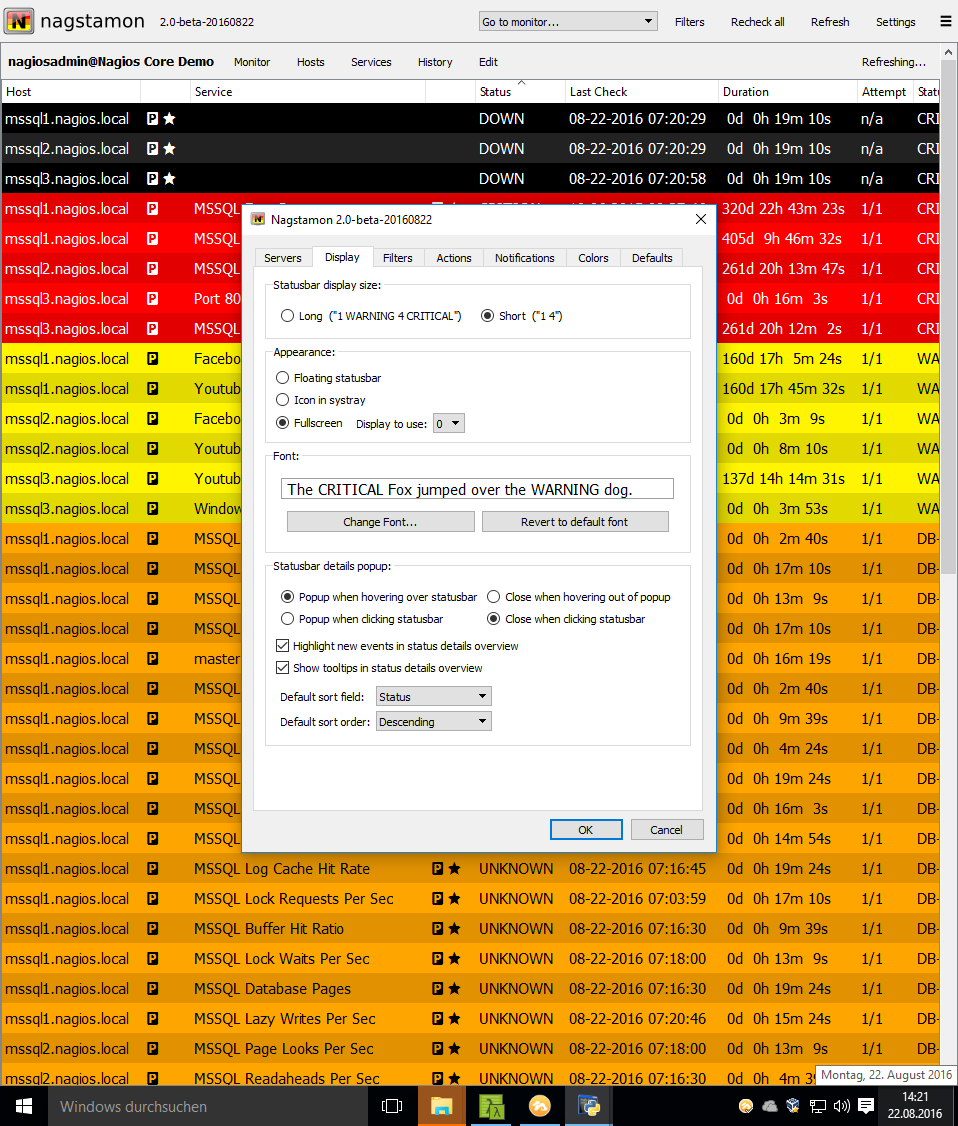
run fullscreen:
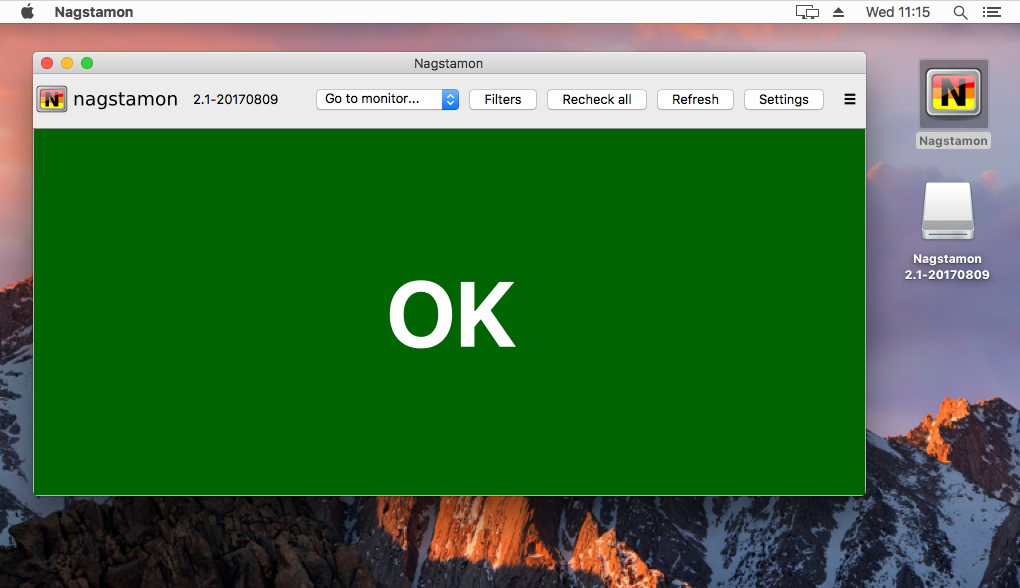
or as single window:
Statusbar
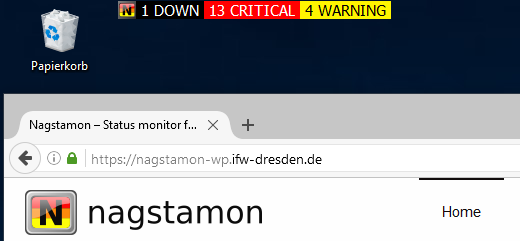
The statusbar automagically updates and shows a quick summary and a more descriptive status overview when being touched:
the status is indicated by colors for down/unreachable hosts and warning/critical/unknown services:
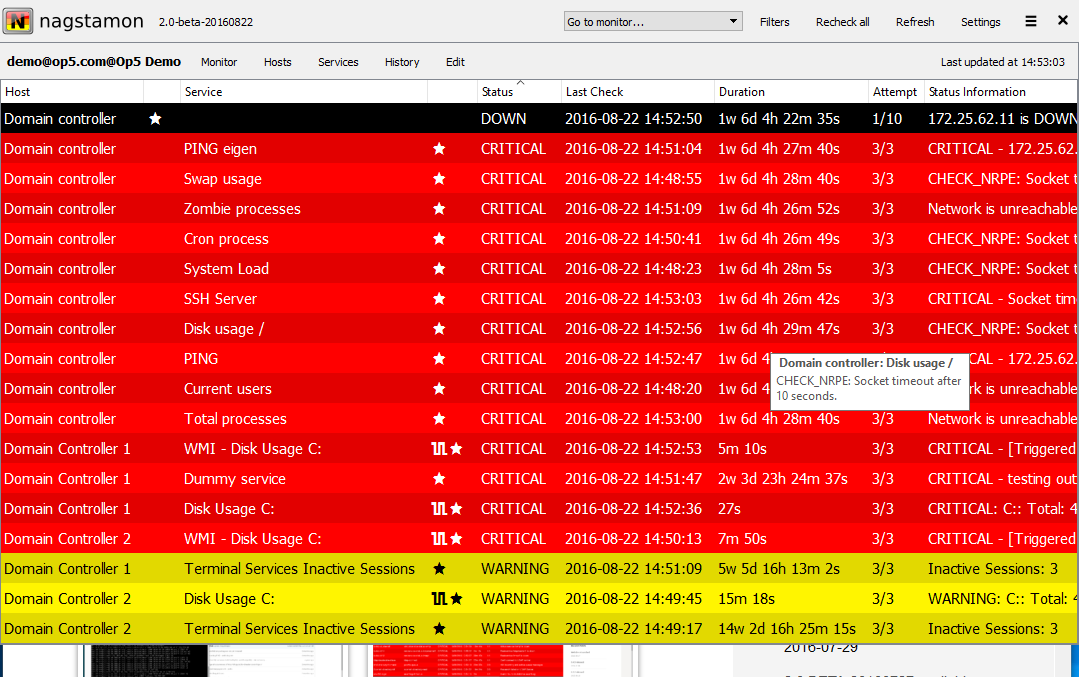
additionally it displays hosts’/services’ status with icons if there are any special flags like acknowledged, downtime, flapping and passive:
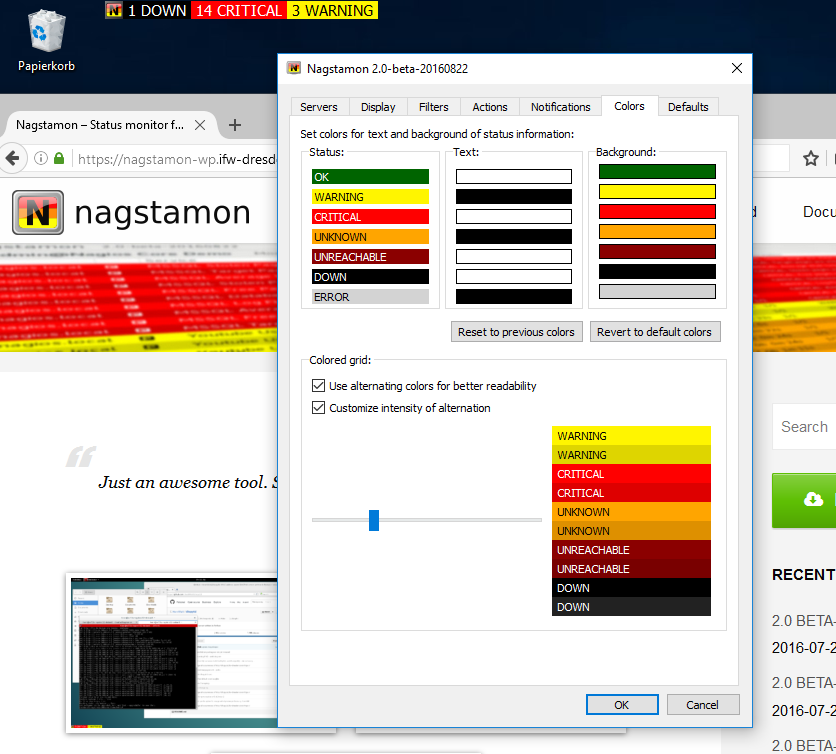
shown colors are even customizable:
Context menu
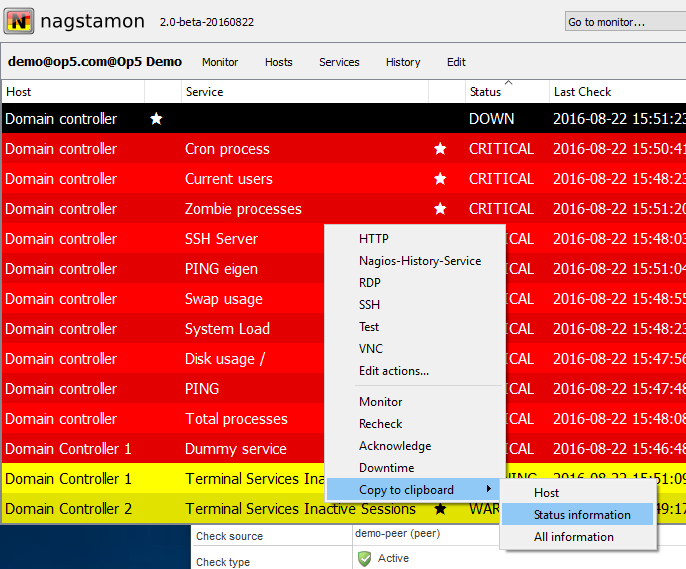
The context menu provides fast access to the monitor page of failing hosts/services and to any remote service like SSH/RDP/VNC/whatever running on a host:
by clicking it at the status popup window:
additional custom actions can be defined easily for calling local/remote commands:
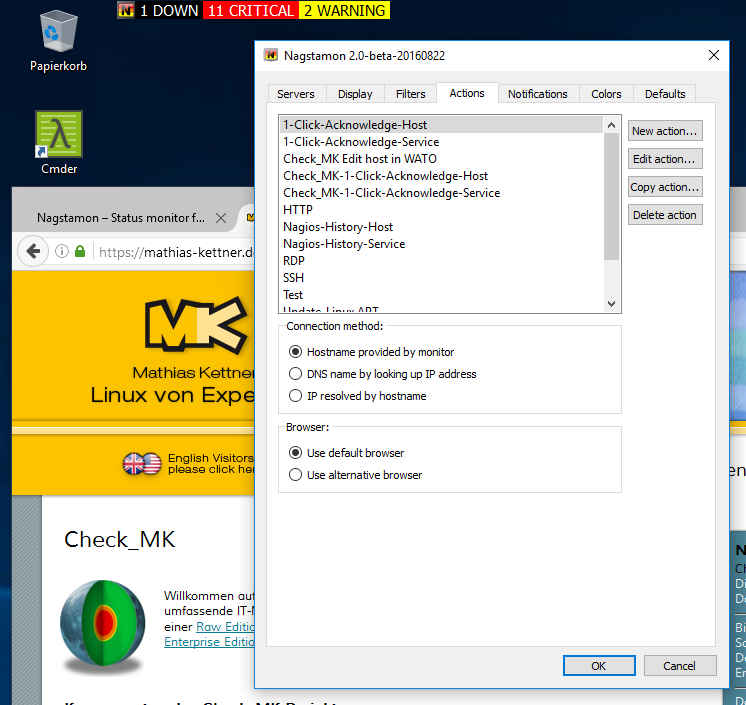
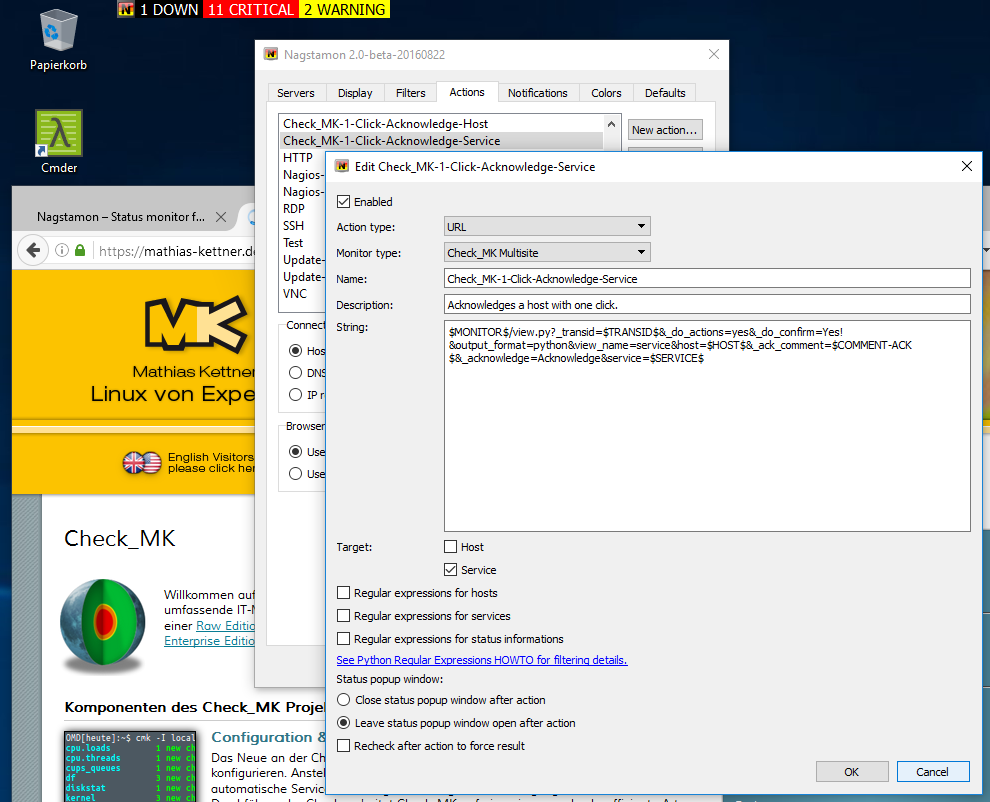
or start an action via URL:
Multiple selection
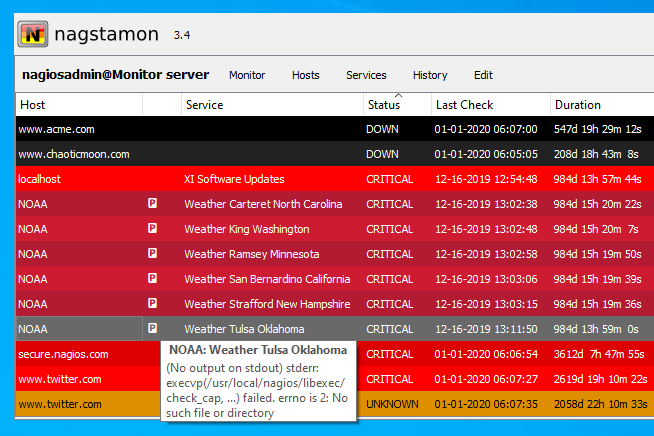
Multiple hosts and services can be selected for applying actions:
with the commonly used shift and control key pressed:
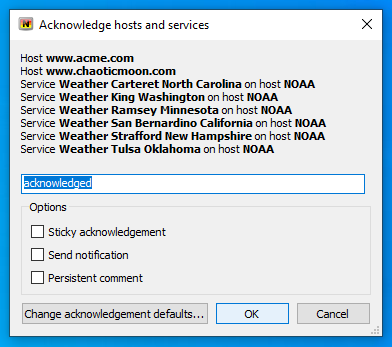
once selected, an action can be applied to them all:
Filters
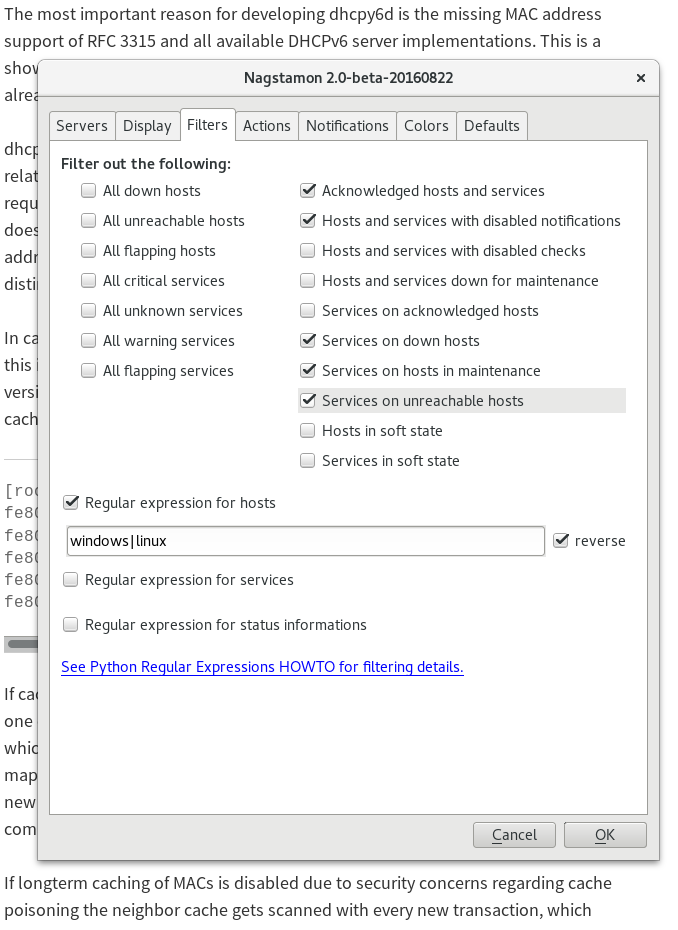
The settings allow filtering hosts and services:
by category:
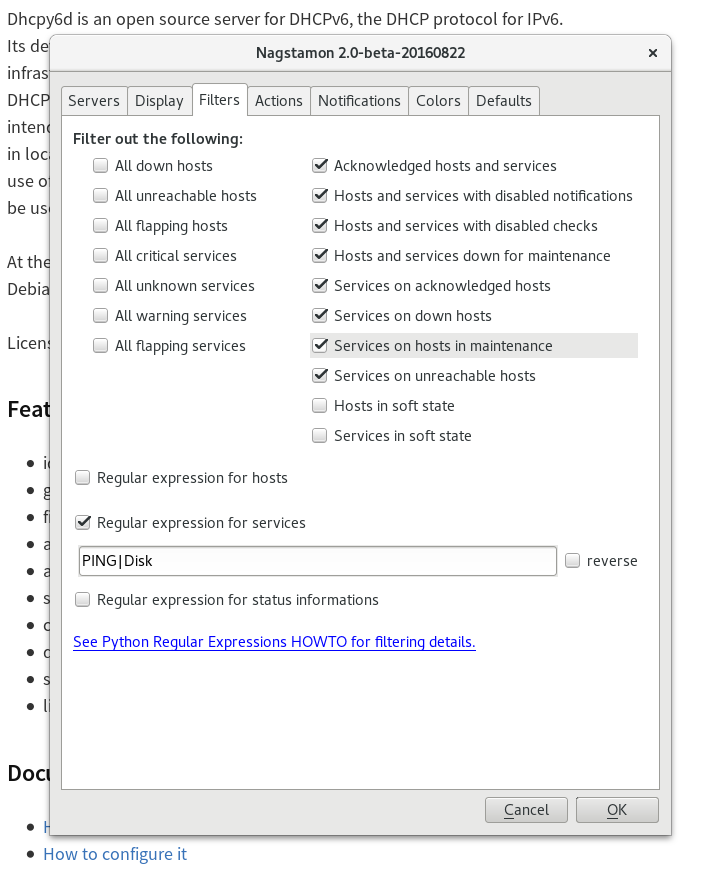
and with regular expressions:
Notifications
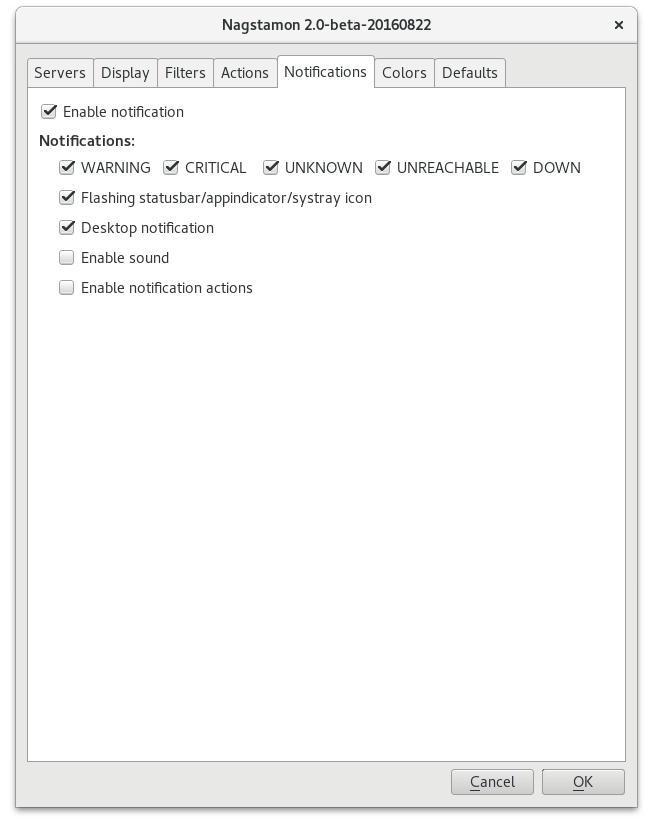
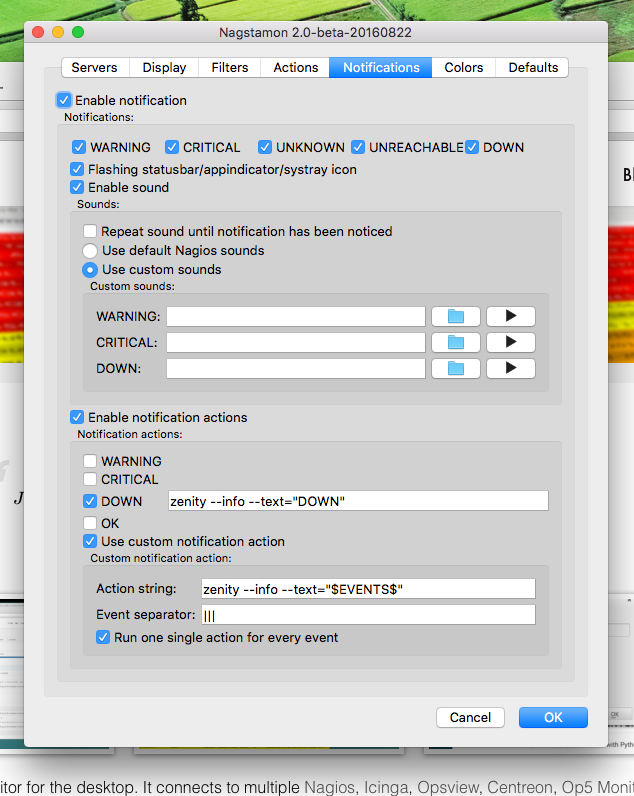
The user gets notified in several ways:
by flashing statusbar or desktop notification:
by sound or any custom application:
Monitor servers
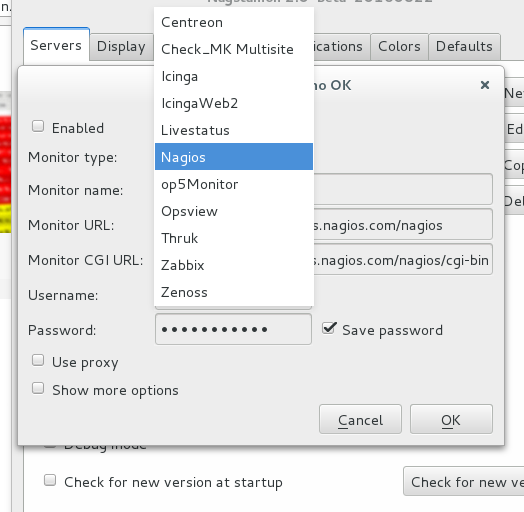
Many monitor server types are supported and the number is growing thanks to the community:
at least meanhile the list of available monitors is way longer:
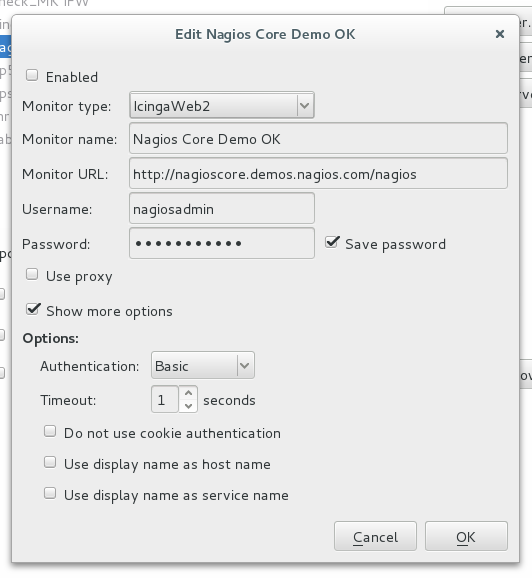
some have extra options:
Shortcuts
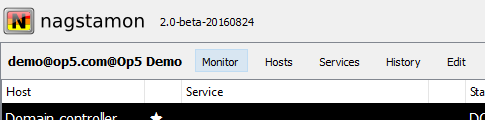
The status window offers several shortcuts:
links to the monitor web page and the respective hosts, services and history pages:
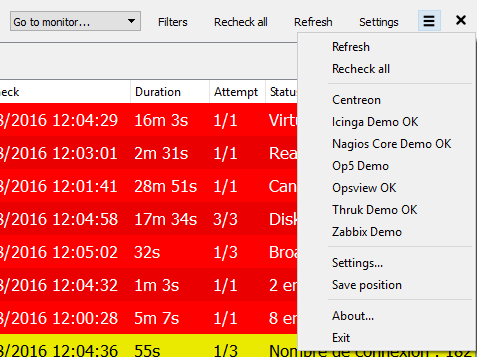
easy access to all monitor web pages, even those without problems, is provided by menu:
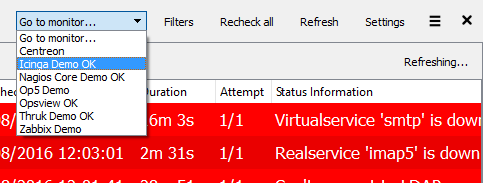
available via hamburger menu too:
Font size
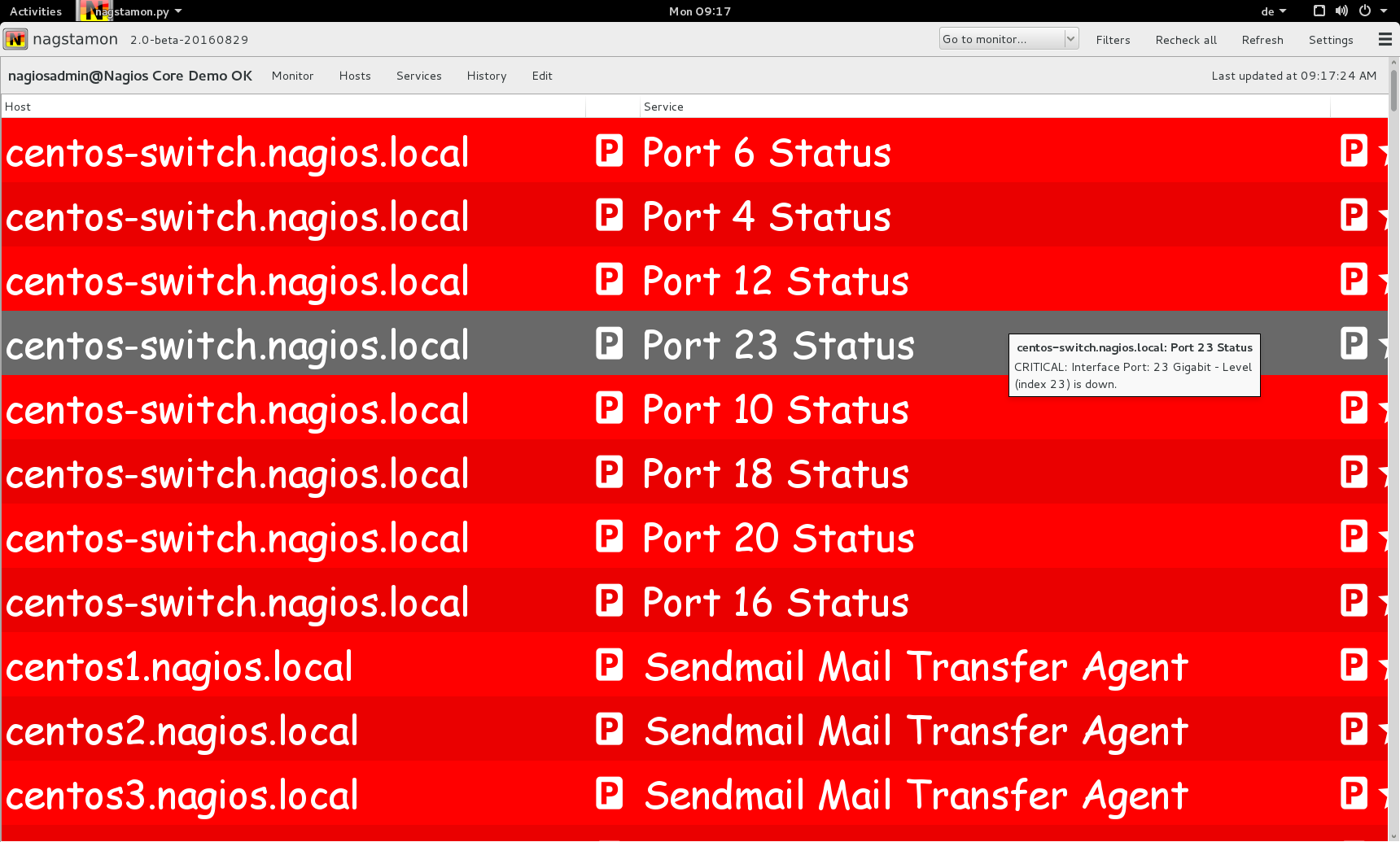
The used fonts and font size can be customized as well:
for example as Comic Sans in fullscreen:
select in options dialog: